Zum Inhalt springen
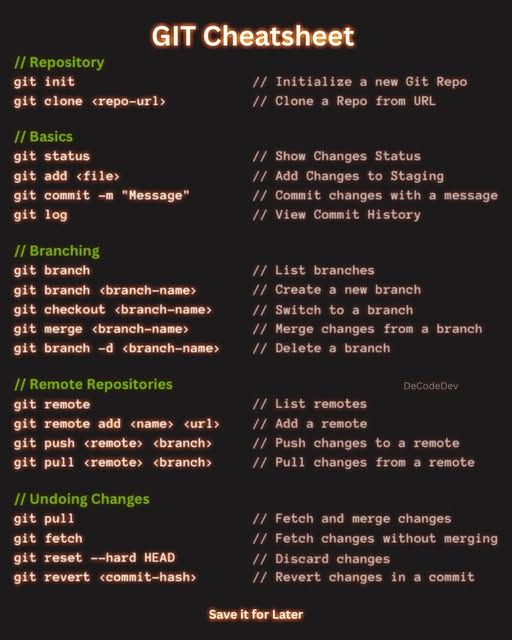
- Git init in a new directory
- Looking for the ssh access on the Github Website of your repository
- git remote add origin git@github.com:<your repro>
- copy ssh key to ~/.ssh into id_rsa or use ssh-add <id rsa file >
- change rights to 400 of the ~/.ssh/id_rsa
- Getting the existing files locally:
git clone -b <branch> git@github.com:<user>/<git repro>
- Now adding some files using git add *
- git commit -m „message to use“
- Finally git push -u origin master and provide the password of the ssh key
- Done